August 13th, 2026

Google Sheets is where teams keep the data that does not live anywhere else: budgets, targets, offline sales, CRM exports, and the custom trackers your team updates by hand. The new Power My Analytics Google Sheets source connector pulls that spreadsheet data into the PMA warehouse so it can flow into your dashboards right alongside the rest of your marketing stack.
This connector is different from most: your sheet defines the schema. The columns in your spreadsheet become the fields in your reports, so you can bring in whatever your team tracks, including:
See the connector details on the Google Sheets schema page.
Like every Power My Analytics connector, your Google Sheets data flows into the destinations your team already uses:
Yes, that includes sending one Google Sheet to another. Centralize data from many sheets in the PMA warehouse, then deliver a clean, always current version wherever you need it.
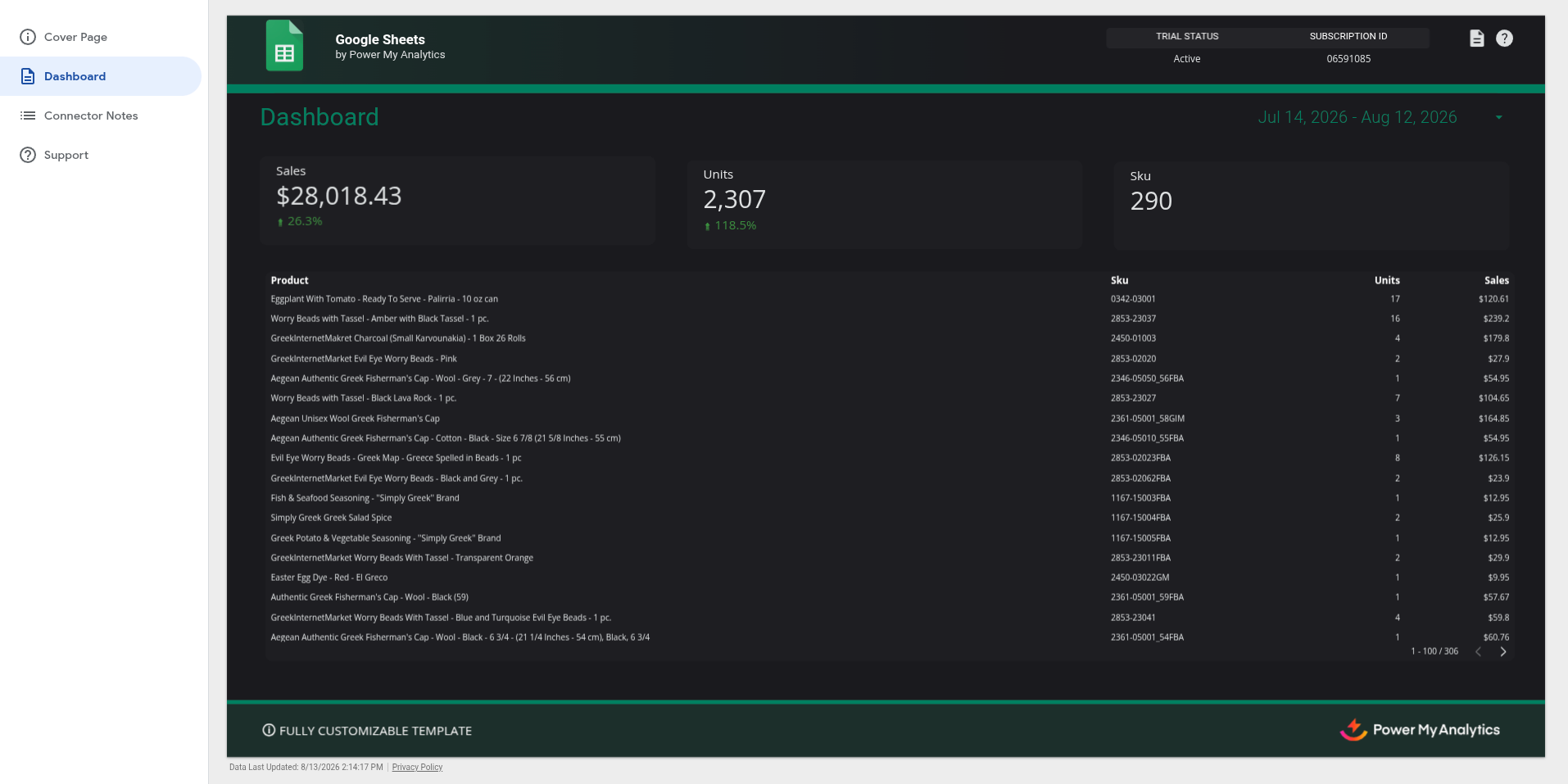
Here is a sample Looker Studio dashboard built on Google Sheets data. Open the interactive template to explore it yourself:
Connect Google Sheets in minutes with a 14-day free trial, or visit the Google Sheets connector page to learn more.
Preferred by data-driven businesses


 Data Studio
 Claude
 ChatGPT
 MCP Server
 Google Sheets
 Microsoft Excel
 Power BI
 BigQuery
 Snowflake
 SQL Databases
 Amazon S3
 FTP Server
 Power My Analytics API


